How to edit contract templates and clauses
· 1 min read
Make Bizisy's contract templates your own: fields filled in from each person's record, conditions, clauses per country, a check against the law, and versions you publish.

A contract template in Bizisy is a document with fields that fill in from each person's record, sections that appear only when they apply, and clauses you choose per contract. Bizisy checks each template against the law of its country, and you publish versions, so documents already made keep the text they were made with.
1. Open a template
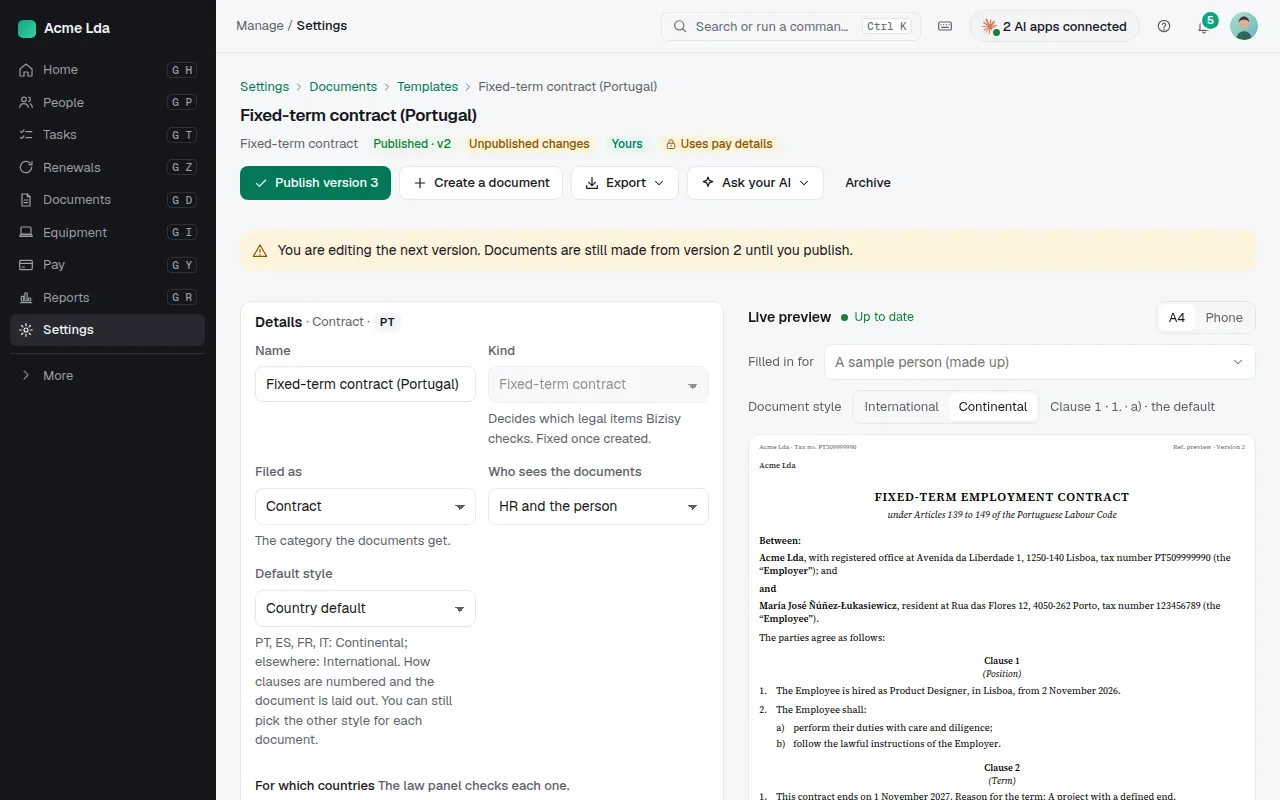
In Settings → Documents → Templates, open one of yours, or copy one of Bizisy's to change it. You edit the next version while the published one stays in use. The law panel lists what the country's law asks a contract to say, and the problems it finds.
2. Add fields and conditions
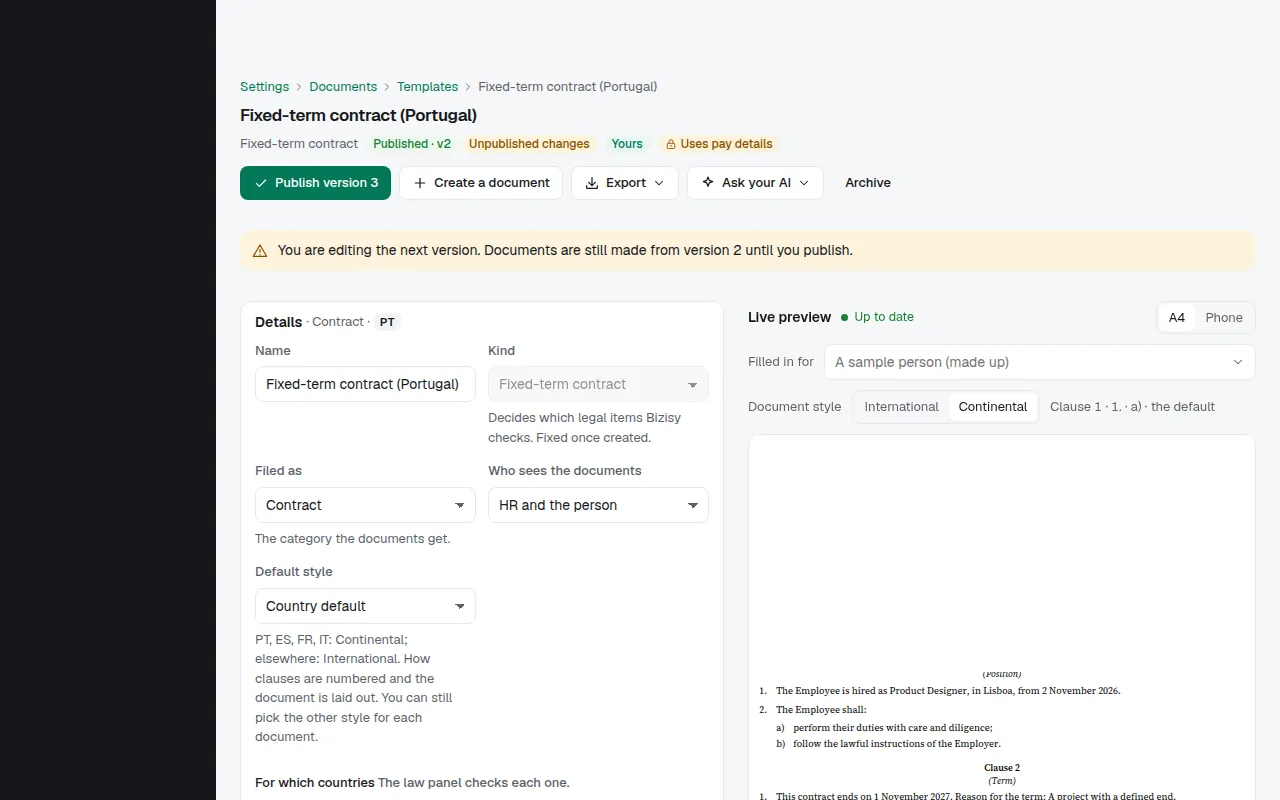
Choose Field to insert data that fills in from each person's record: their name, job, start date, pay and more. Show only if… keeps a paragraph for the people it applies to, such as a clause for part-timers. Pay fields can only be added by roles that may see pay.
3. Choose clauses per contract
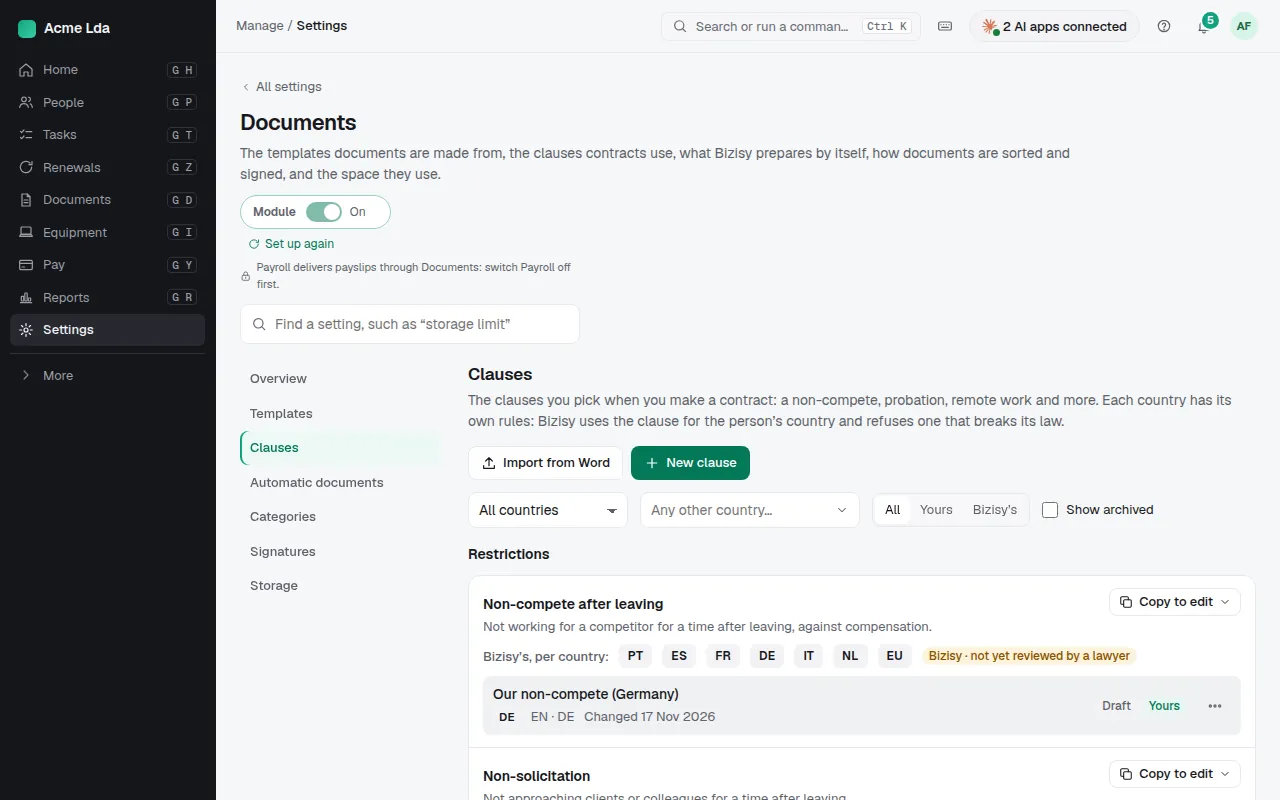
Settings → Documents → Clauses holds clauses such as non-compete or exclusivity, written per country, and your own. Add a clause slot to a template and choose which clauses can go there; when someone creates a contract, they pick the clauses for that person.
4. Publish a version
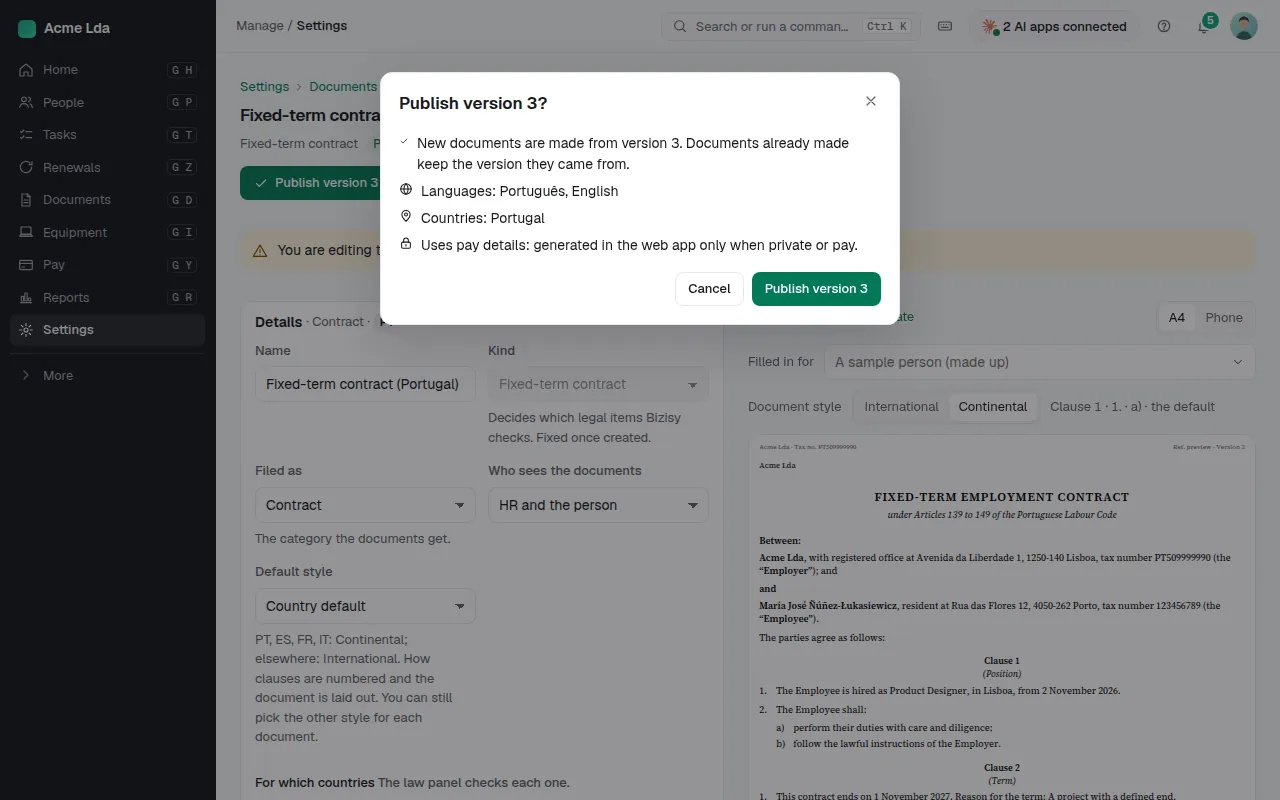
When the text is ready, publish it. Documents made from now on use the new version; earlier documents keep theirs. Export gives a Word file for a lawyer to review.
Tips
- Import your own contract from Word with Import from Word: Bizisy suggests where the fields go.
- Bizisy's own templates and clauses say whether a lawyer has reviewed them yet.