How to share a survey with a public link or QR code
· 1 min read
Let anyone answer a survey without signing in: a public link until it closes, a QR code poster for the break room, a kiosk mode for a shared tablet, or an embed on your site.

Not everyone who should answer a survey has a Bizisy login: visitors to an open day, people on the shop floor, a sign-up for an event. A public link lets anyone answer, without signing in, until the survey closes.
1. Turn on the public link
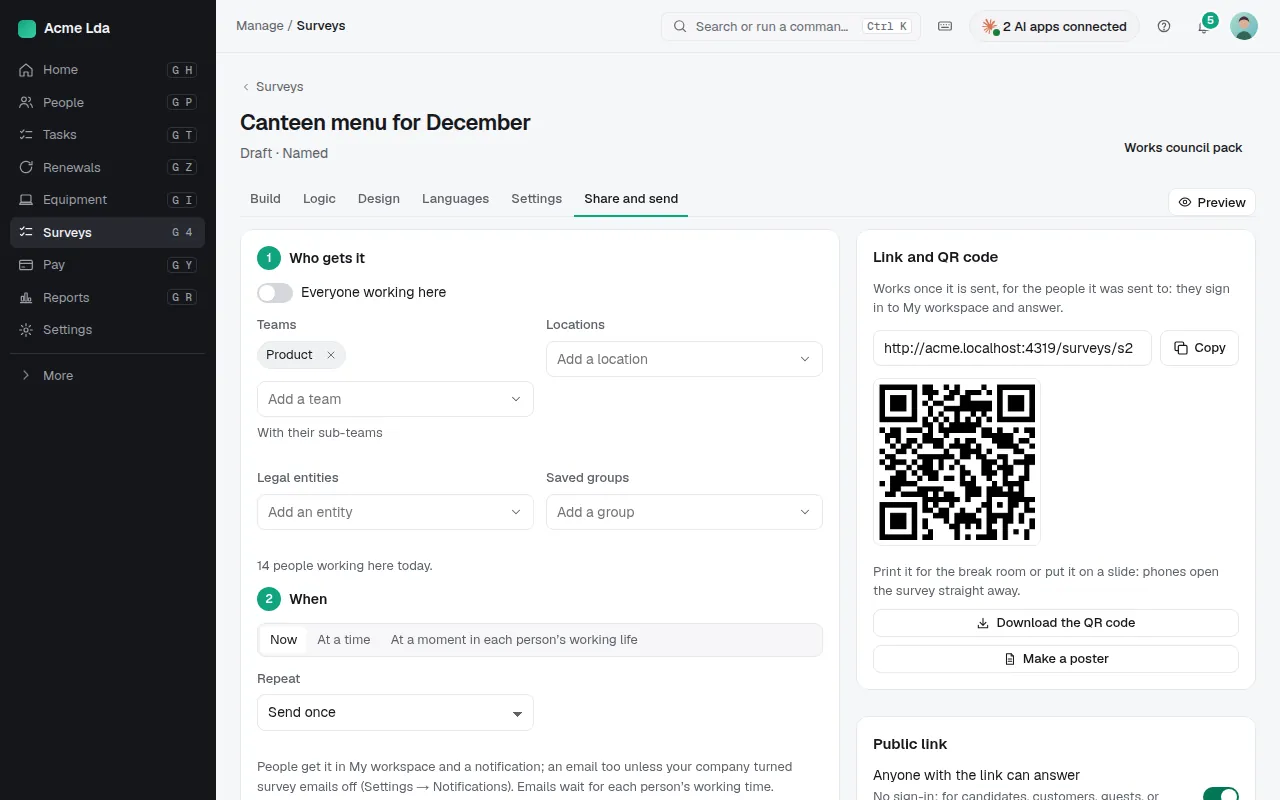
On the survey's Send tab, turn on Public link. A public link needs a close date. Choose whether only the public link is used (nobody in the company gets the survey) or both, and whether each browser can answer once.
2. Print the QR code, or open a kiosk
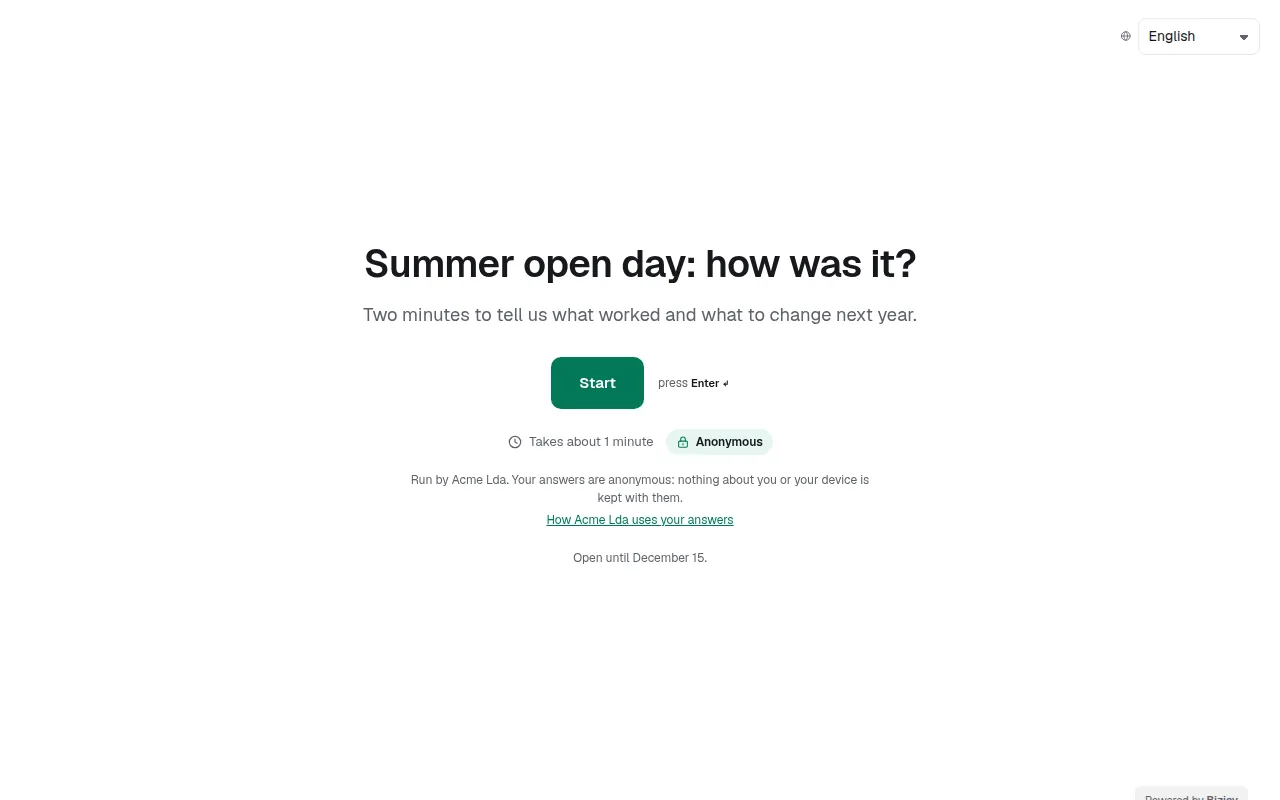
Link and QR code gives a poster with the survey's title, its QR code and how to answer: print it for the break room or put it on a slide, and phones open the survey straight away. For a tablet at a counter, copy the kiosk link: it starts again after each answer and after a minute without a touch.
Tips
To show the survey on your own website, add the site's address and copy the embed code.
The public page says who runs the survey and links to how your company uses the answers; set that in the survey's privacy details.
Anyone can report a form that looks wrong from its page.