How to answer a GDPR request: export or erase someone's data
· 1 min read
When someone asks for their data, download one file with everything Bizisy holds about them; once they've left, erase their personal data; and export or download all company data.

Under the GDPR, people can ask for a copy of their data and, in many cases, for it to be deleted. Bizisy answers both in a few clicks, and keeps clear rules for how long things are kept.
1. Give someone their data
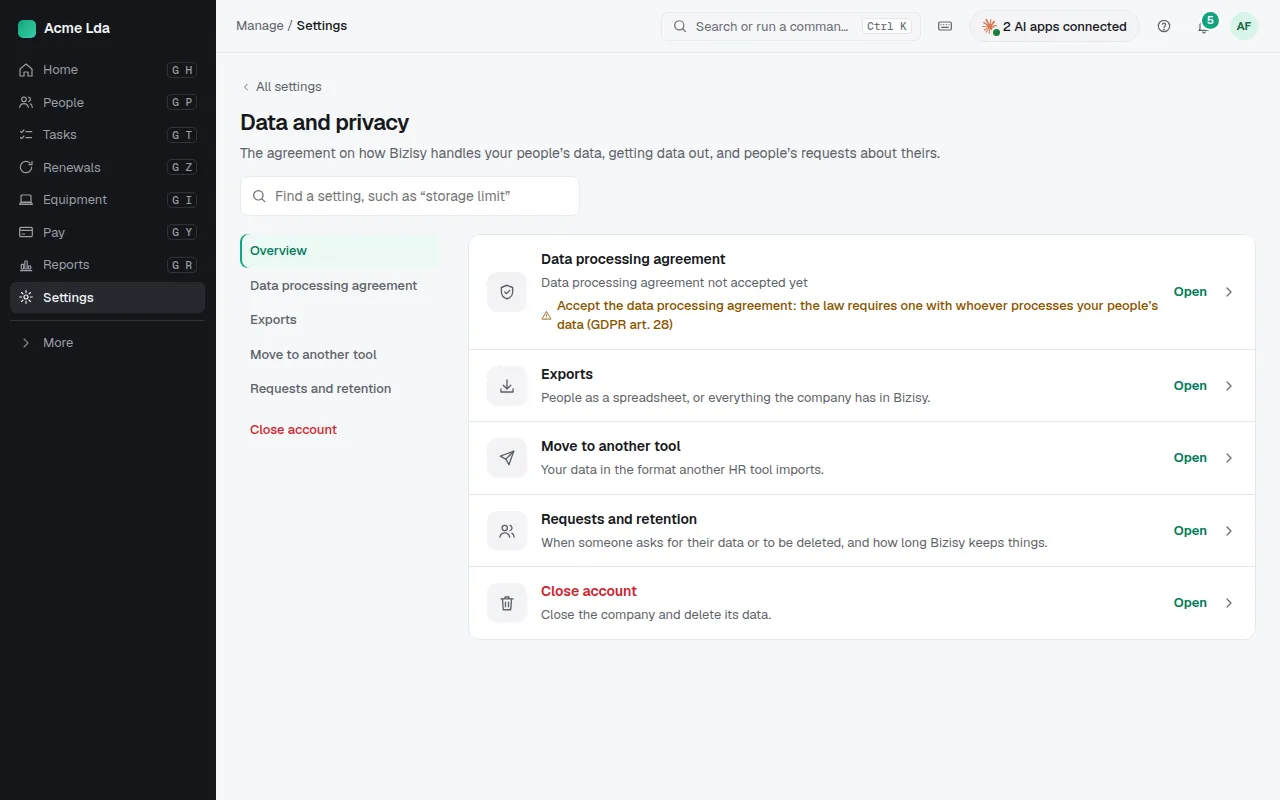
Open the person in People, then Actions → Download personal data. You get one file with everything Bizisy holds about them: profile, job and pay history, invites, their logins and their activity. People can also download their own data themselves from My workspace → My profile.
2. Erase someone who has left
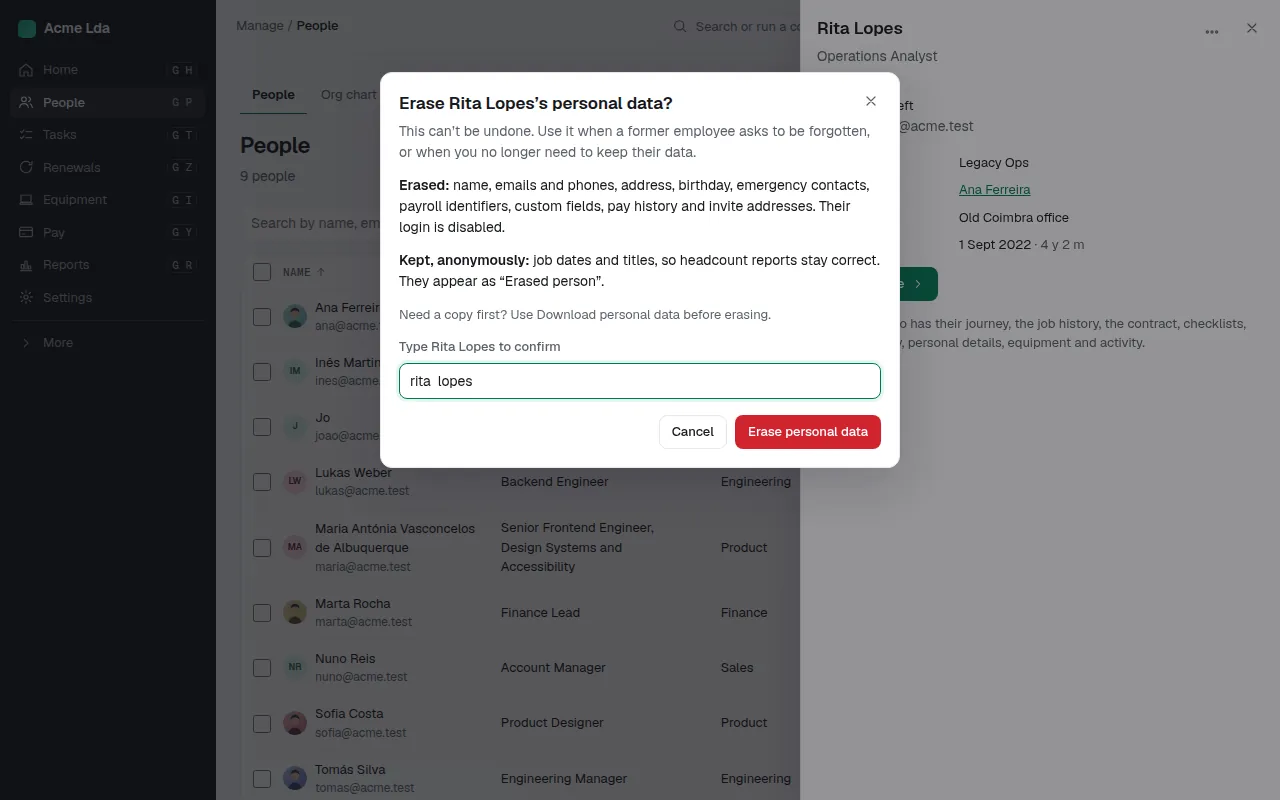
Once someone has left and their last day has passed, an owner or admin can choose Actions → Erase personal data and type their name to confirm. Their personal details, pay and custom fields are deleted; job dates and titles stay, anonymously, so headcount history still adds up.
3. Export everything
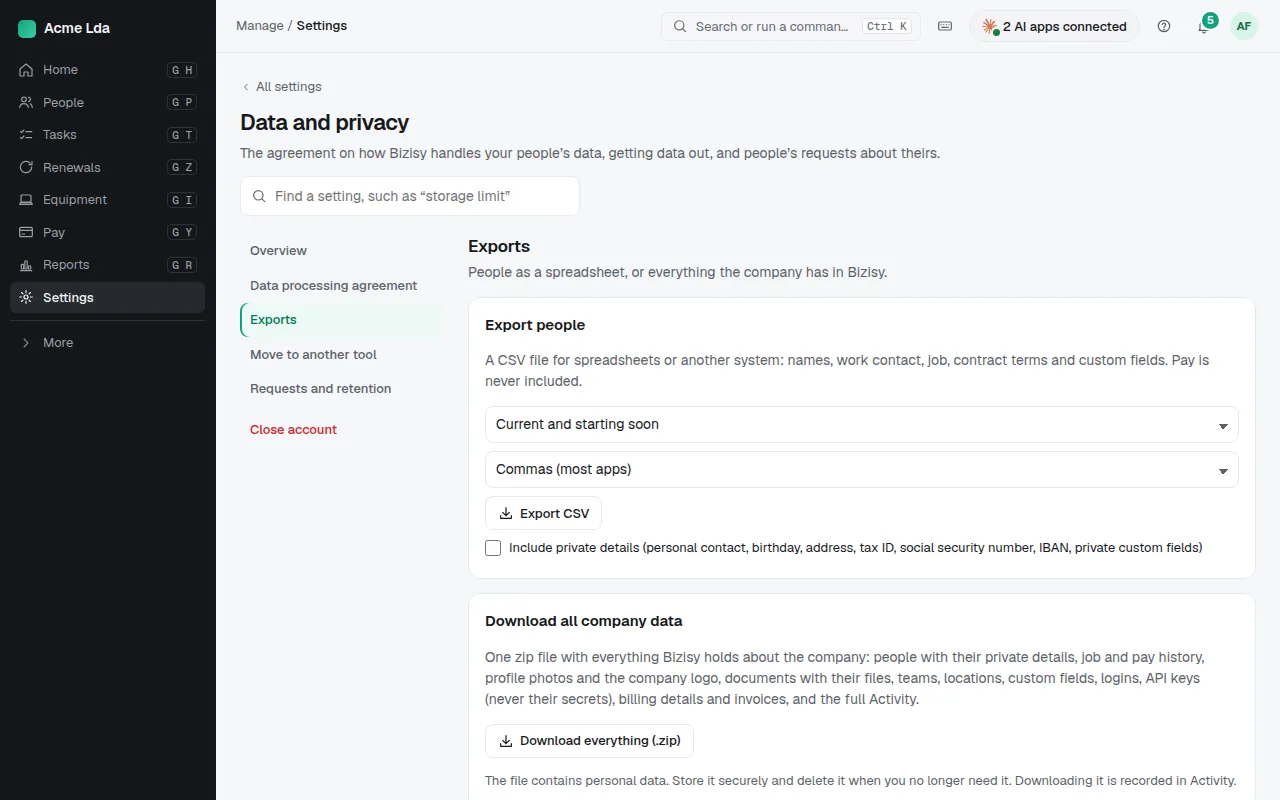
Settings → Data and privacy → Exports has Export people (CSV) (names, work contact, job, contract terms and custom fields; pay is never included) and Download all company data, a ZIP with everything. Move to another tool exports in the format another HR tool imports.
Tips
- Requests and retention lists how long Bizisy keeps each kind of record, such as email delivery records for 60 days.
- The data processing agreement (GDPR Article 28) is accepted in the same section.