How to use reports and people analytics
· 1 min read
Headcount, joiners and leavers, turnover and absence at a glance; answers to common questions in people analytics; saved views and exports to CSV or Excel; small groups hidden.

Reports answers the questions HR is asked every week: how many people we have, who joined and left, where turnover is high, how much absence there is. Everything comes from the job history and records you already keep, so there's nothing to collect.
1. The overview
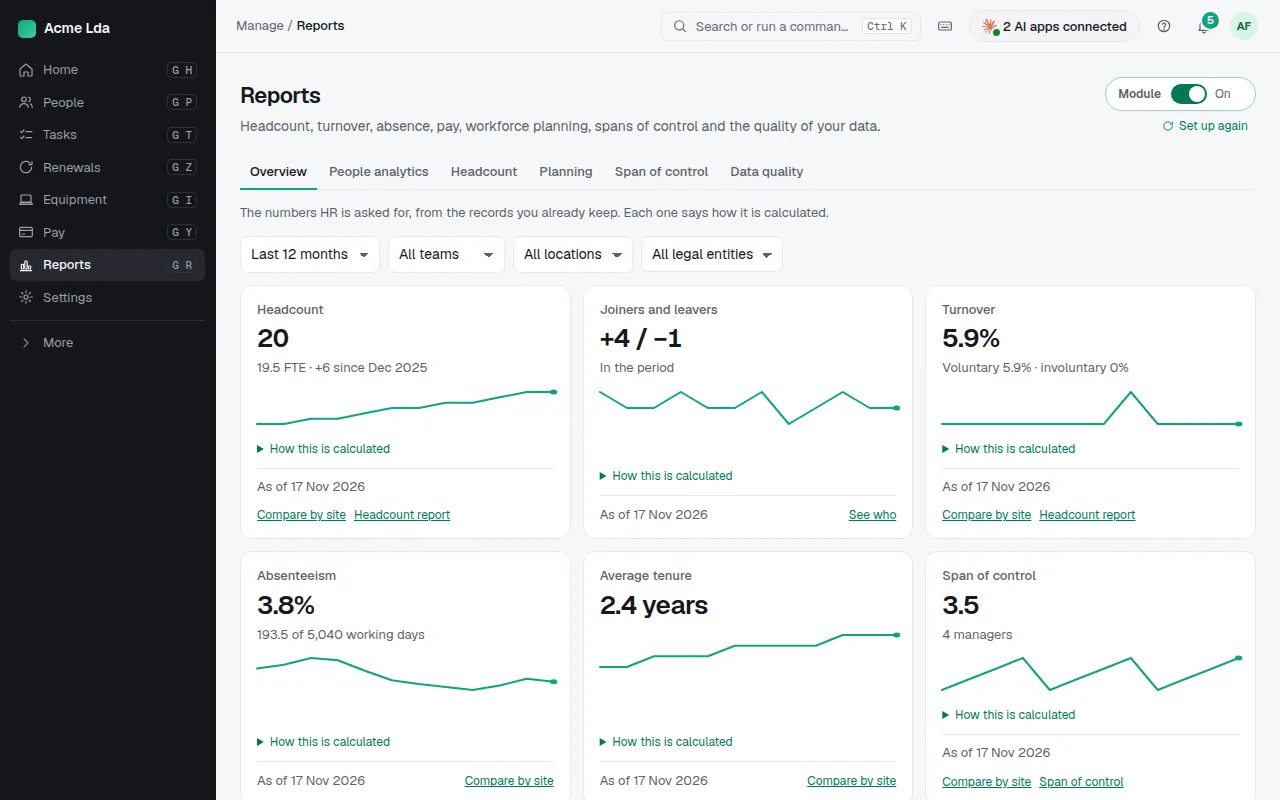
Reports → Overview shows headcount at the end of each month, with joiners, leavers and turnover, for the last 12 or 24 months or this year. Narrow it to a team, and click a month to see the people behind a number.
2. Ask a question
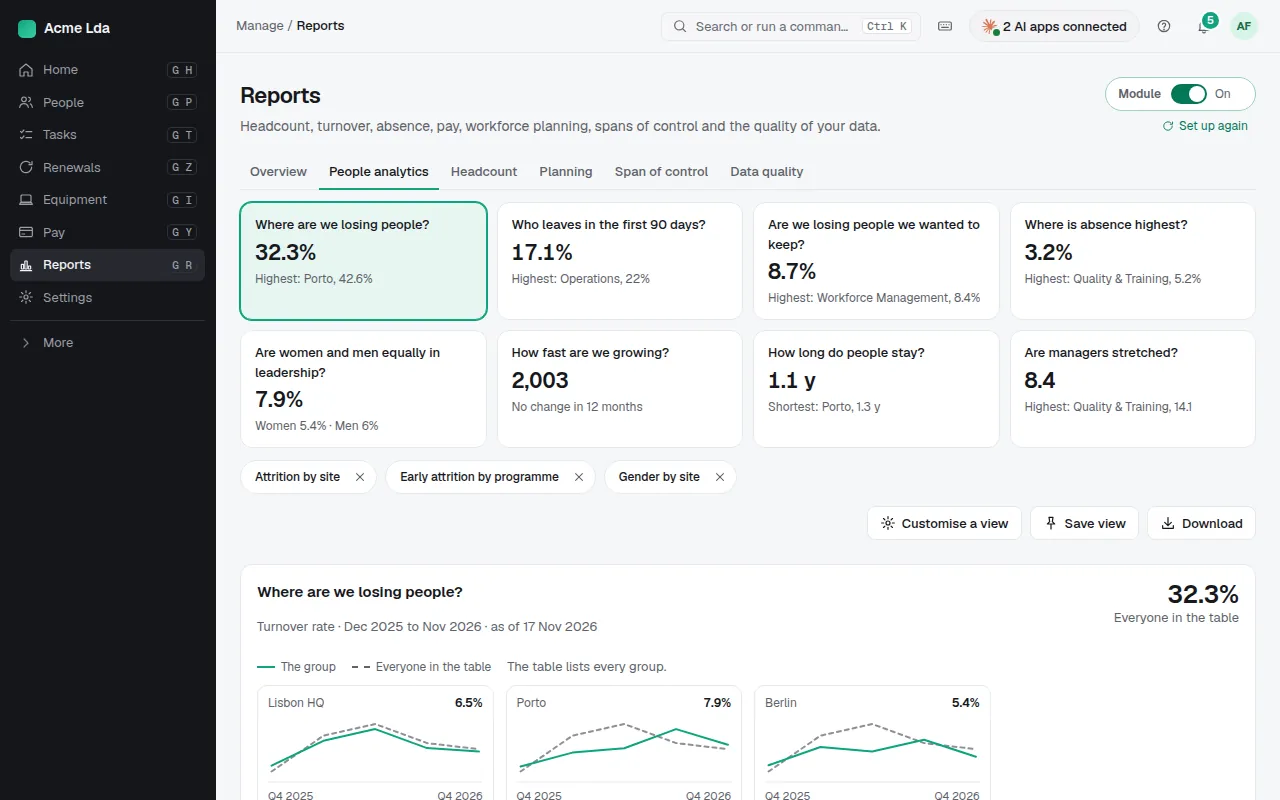
People analytics starts with answers to common questions, such as "Where are we losing people?" or "Who leaves in the first 90 days?", each with its headline number. Open one, or Customise a view: choose the measure, the rows (team, location, your own fields) and columns such as month. Groups too small to stay anonymous are hidden.
3. Save and export
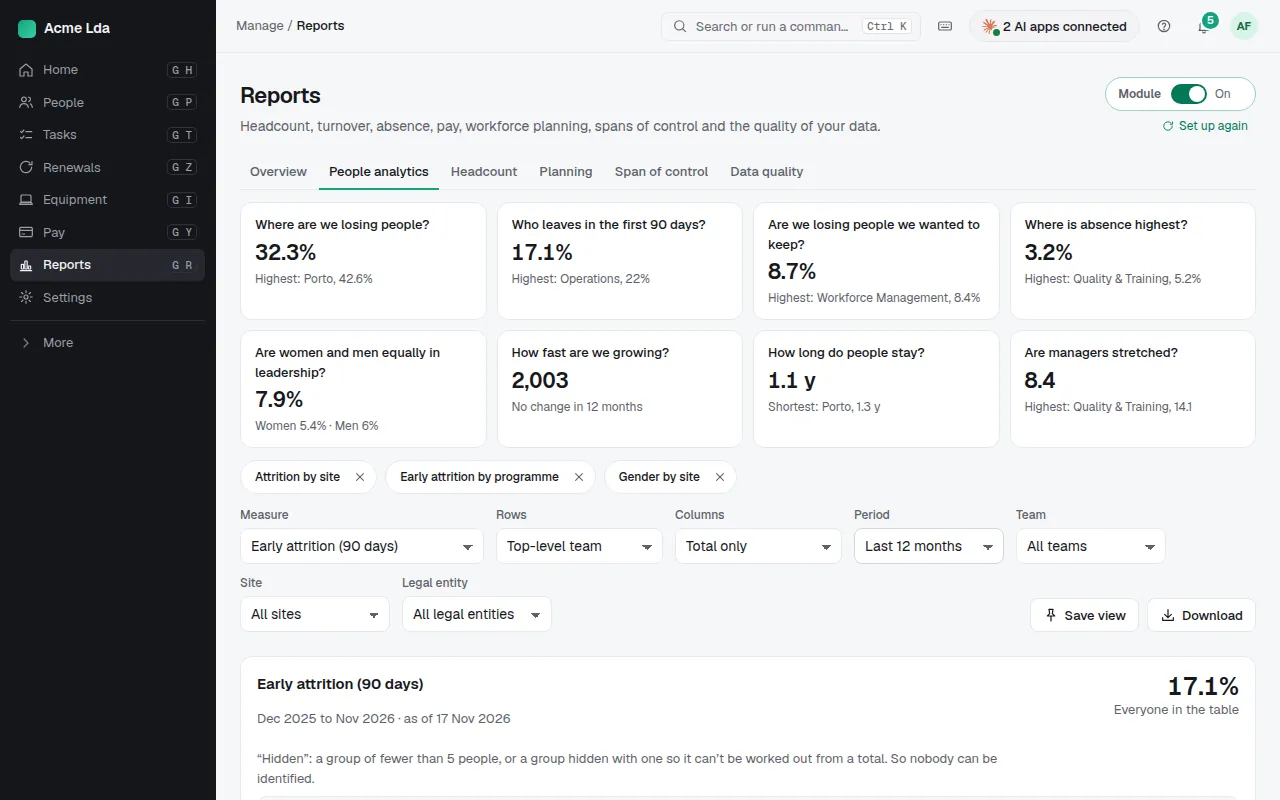
Save view keeps a table for later and gives it a link to share with anyone who may see reports. Download it as CSV or an Excel workbook.
Tips
- Span of control shows how many people each manager leads; Data quality lists records to fix, such as people without a manager.
- Planning forecasts headcount against a budget and compares scenarios.
- Reports are part of Reports & analytics: switch it on in Settings → Modules.